How to Post
Keep community boards fresh with new photos
1. Scan the QR code at the board
Each bulletin board has its own unique QR code. You must physically visit the location and scan the code posted there. This ensures photos are authentic and taken at the actual location.
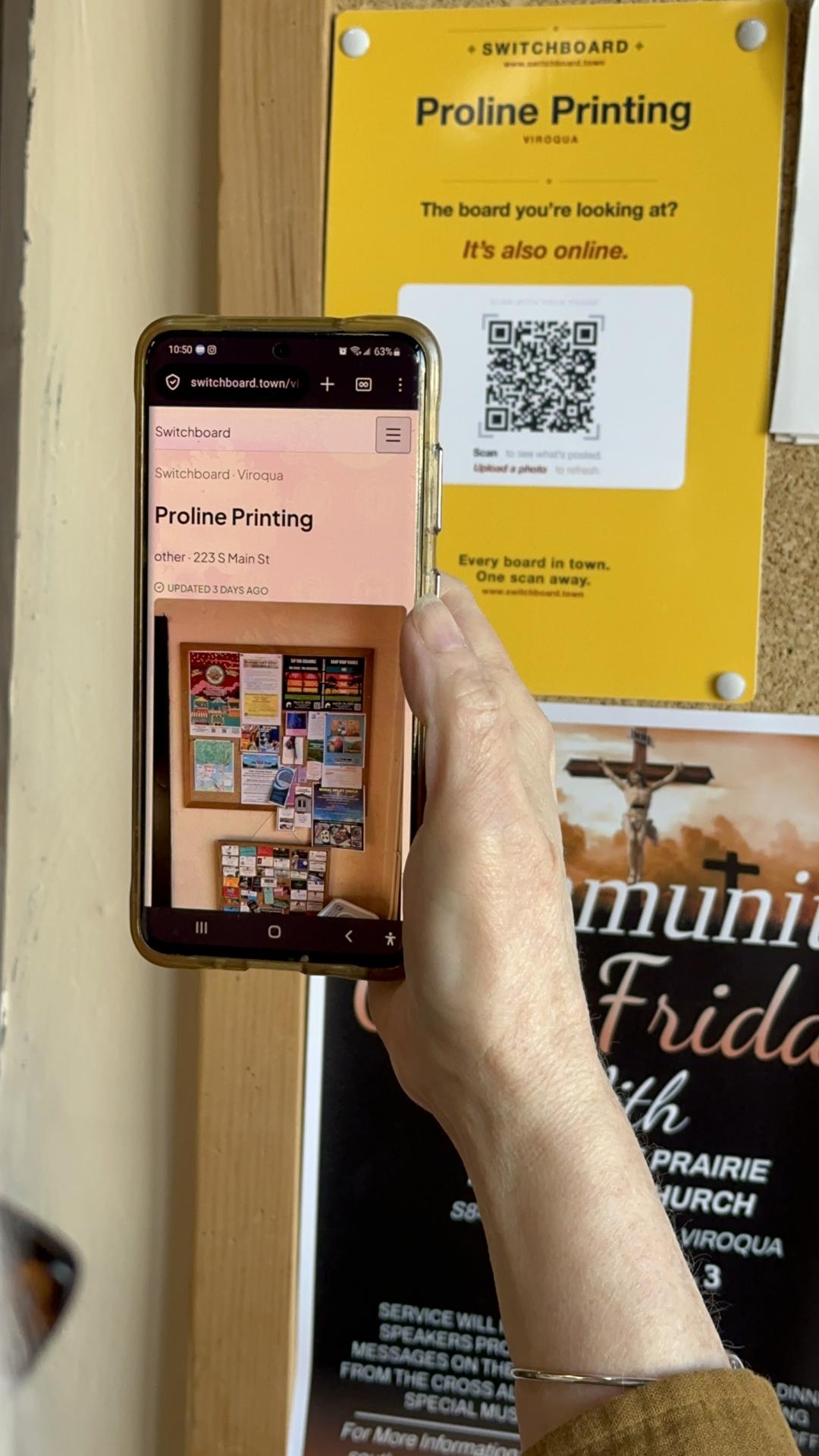
2. Take a photo of the full board
Capture the entire bulletin board — all the flyers, announcements, and posts currently displayed.
- Step back — get the whole board in frame
- Shoot straight-on, not at an angle
- Good light — make sure flyers are readable
- No people in the shot — just the board
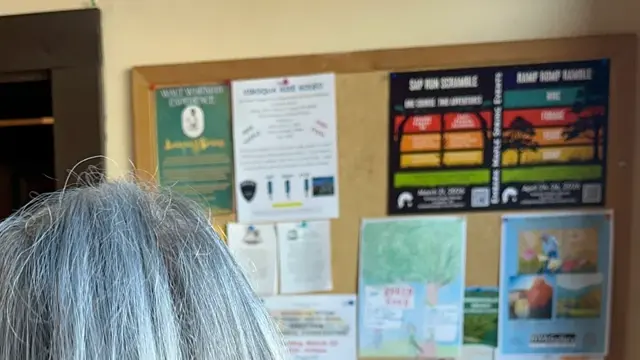 Too close
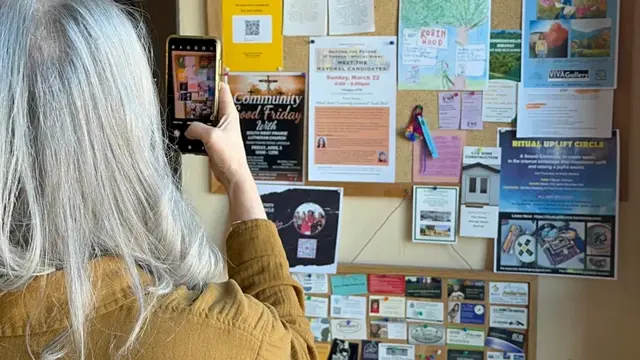 Good
Good3. Your photo shows up!
That’s it. Your photo is now the latest view of the board. No account, no login, no approval process. The community keeps its own boards current.
Photos will be reverted if they have:
- Heavy glare or reflections
- Blur or out-of-focus areas
- People in the photo (privacy)
- Poor framing or partial board coverage
- Inappropriate content
Guidelines
- Respect privacy: Avoid including people in your photos
- Be considerate: Don’t obstruct others while taking photos
- Update often: Snap a new photo whenever you notice changes
- Report issues: Flag anything inappropriate directly from the board page